Whether to troll your users at a certain time, to give a different touch to 404 errors or to be original with our "Under construction" page, we are going to see in a very simple way how we can implement a glitch effect on our website using javascript and css.
1. Finding the perfect image
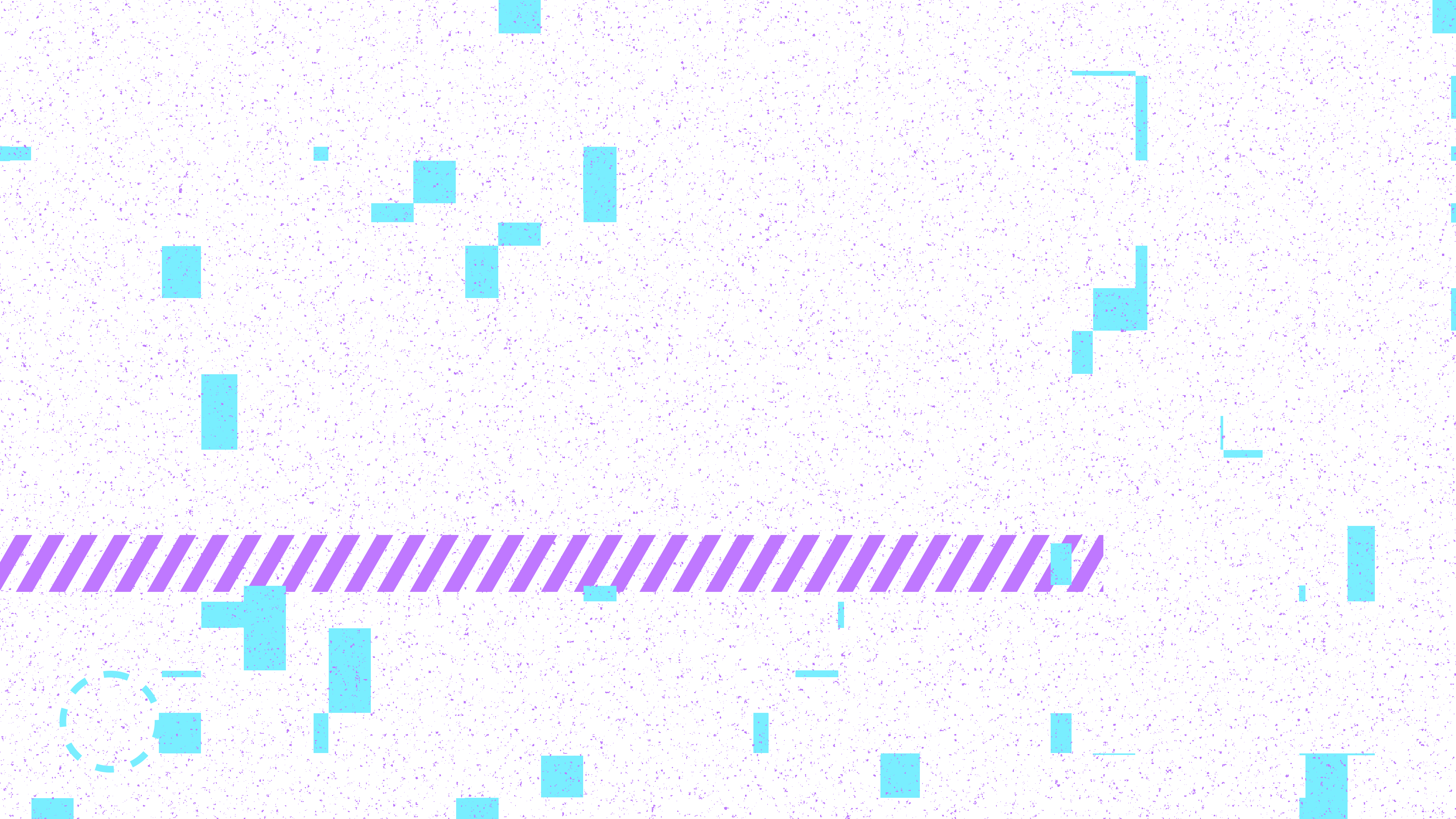
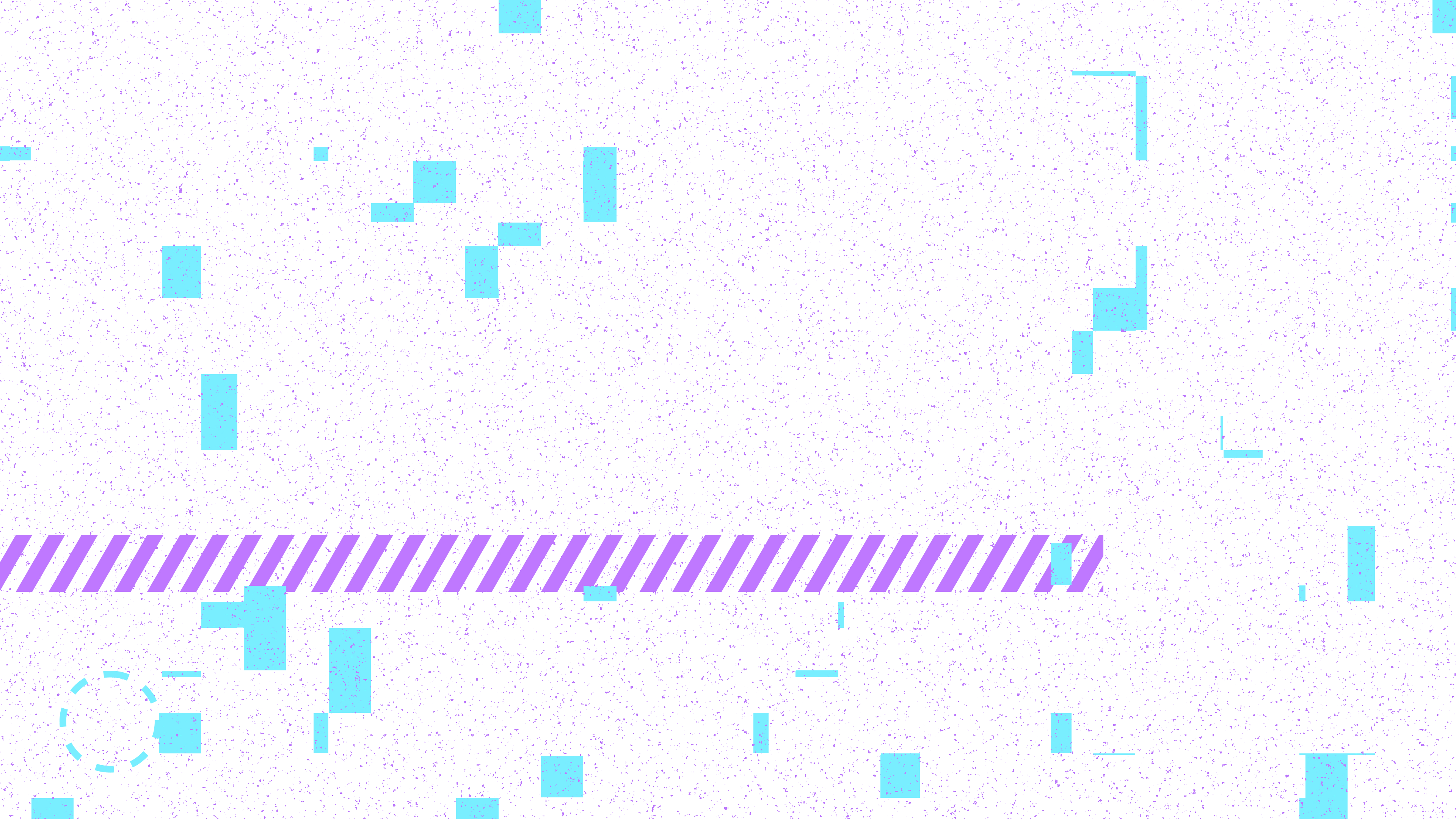
First things first, locate a "glitch" image with a transparent background. Yes, we could save this by generating an image or effect in CSS, but there are thousands of free images. In the example we are going to use the image from this same post, which you can download right here.
2. Setting div on your html
Add the following HTML code where you want the glitch effect to appear on your page. The div will serve as the canvas for our effect:
<div id="glitch" class="glitch"></div>3. Some CSS to the div
Let's add the necessary CSS to place the div where we want, set to full screen and, using the z-index property, above all elements:
.glitch {
    position: fixed;
    display: none;
    top: 0;
    left: 0;
    width: 100%;
    height: 100%;
    background: url('YOUR_IMAGE.png') repeat;
    z-index: 9999;
}
4. Last but not least, ¡javascript!
We want our effect to appear whenever the user clicks anywhere on the web, so the first thing is to create a function capturing the click. Inside it, what we will do is locate the div, show it and, after a few seconds, make it disappear with setTimeout:
document.addEventListener('click', function (event) {

    var glitchElement = document.getElementById('glitch');

    glitchElement.style.display = 'block';

    setTimeout(function () {
        glitchElement.style.display = 'none';
    }, 50);

}
To make it more realistic, we are going to place the image randomly each time it is displayed, transforming the element. We add 2 small functions at the end to obtain random numbers and integrate them into our code by transforming the image:
// Helper functions to get random numbers
function getRandomInt(min, max) {
    return Math.floor(Math.random() * (max - min + 1)) + min;
}

function getRandomFloat(min, max) {
    return Math.random() * (max - min) + min;
}

//Click event listener
document.addEventListener('click', function (event) {

    var glitchElement = document.getElementById('glitch');

    glitchElement.style.display = 'block';

    setTimeout(function () {
        glitchElement.style.display = 'none';
    }, 50);

    // Change the position, size, and rotation of the glitch image
    glitchElement.style.transform = `translate(${getRandomInt(-5, 5)}px, ${getRandomInt(-5, 5)}px) rotate(${getRandomInt(-10, 10)}deg) scale(${getRandomFloat(0.9, 1.1)})`;

}
Extra! Lets show a message :D
Add another div in order to "interact" with your users:
<div id="message" class="message"></div>In the same way, add the neccessary CSS code:
.message {
    position: absolute;
    background-color: #ff0000;
    color: #ffffff;
    padding: 10px;
    border-radius: 5px;
    display: none;
    z-index: 9999;
}
And finally let's expand the js code: first capturing the position of the click, then showing the message box in that same position and, finally, adding the message we want to said box. We will also add a timeout, just like in the glitch, so that the message disappears automatically:
// Helper functions to get random numbers
function getRandomInt(min, max) {
    return Math.floor(Math.random() * (max - min + 1)) + min;
}

function getRandomFloat(min, max) {
    return Math.random() * (max - min) + min;
}

//Click event listener
document.addEventListener('click', function (event) {

    // Display the glitch effect
    var glitchElement = document.getElementById('demo-glitch');
    glitchElement.style.display = 'block';
    setTimeout(function () {
        glitchElement.style.display = 'none';
    }, 50);

    // Get the click position considering the scroll offset
    var x = event.clientX;
    var y = event.clientY + window.scrollY;

    // Display the message at the click position
    var messageElement = document.getElementById('demo-message');
    messageElement.innerHTML = "Oops! Don't touch, I'm under construction";
    messageElement.style.top = y + 'px';
    messageElement.style.left = x + 'px';
    messageElement.style.display = 'block';

    // Hide the message after 2 seconds
    setTimeout(function () {
        messageElement.style.display = 'none';
    }, 2000);

    // Change the position, size, and rotation of the glitch image
    glitchElement.style.transform = `translate(${getRandomInt(-5, 5)}px, ${getRandomInt(-5, 5)}px) rotate(${getRandomInt(-10, 10)}deg) scale(${getRandomFloat(0.9, 1.1)})`;
});
Blog Statistics